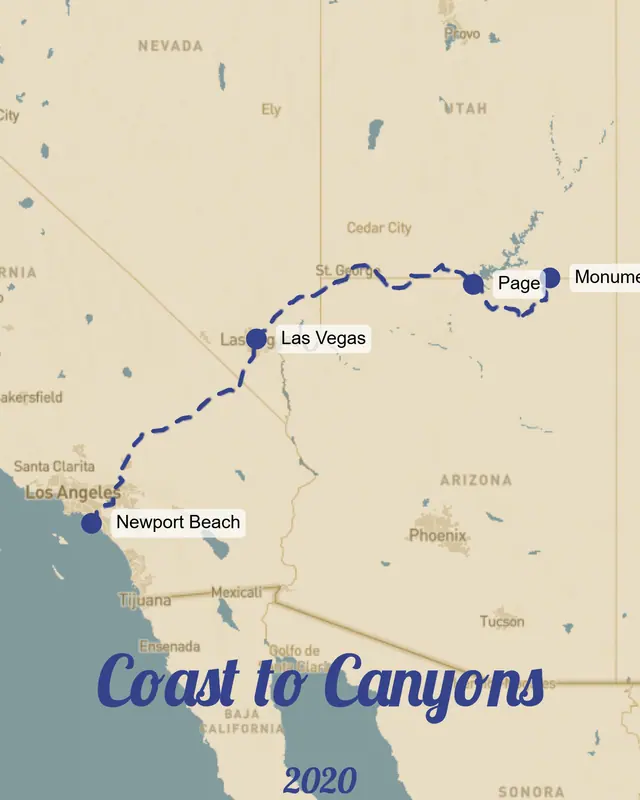
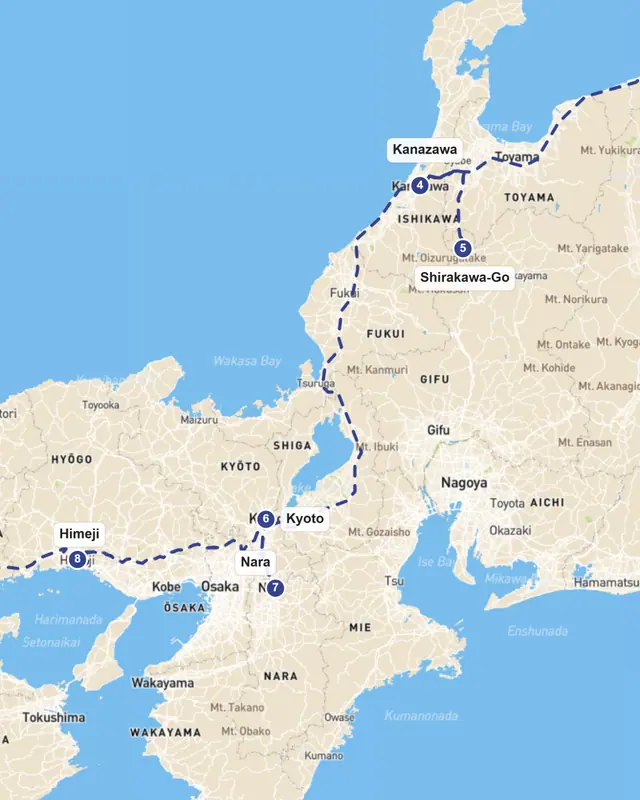
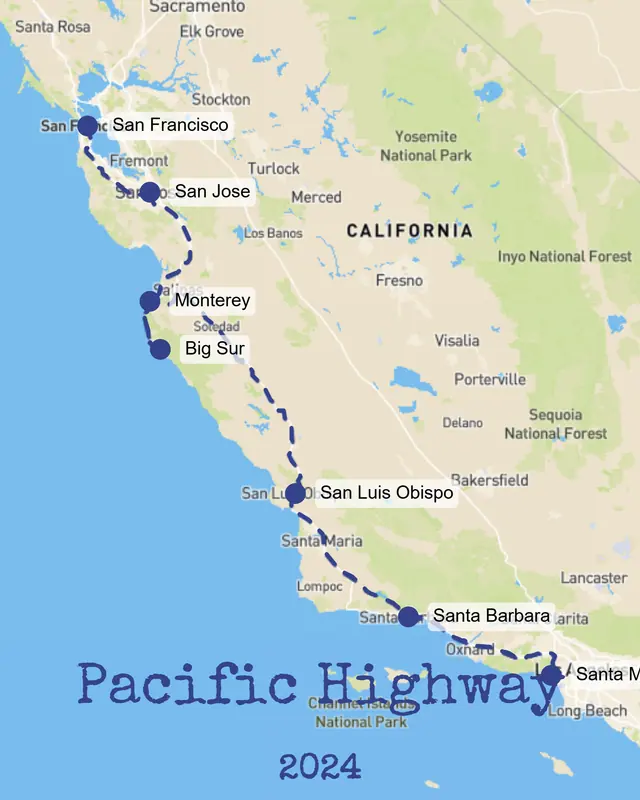
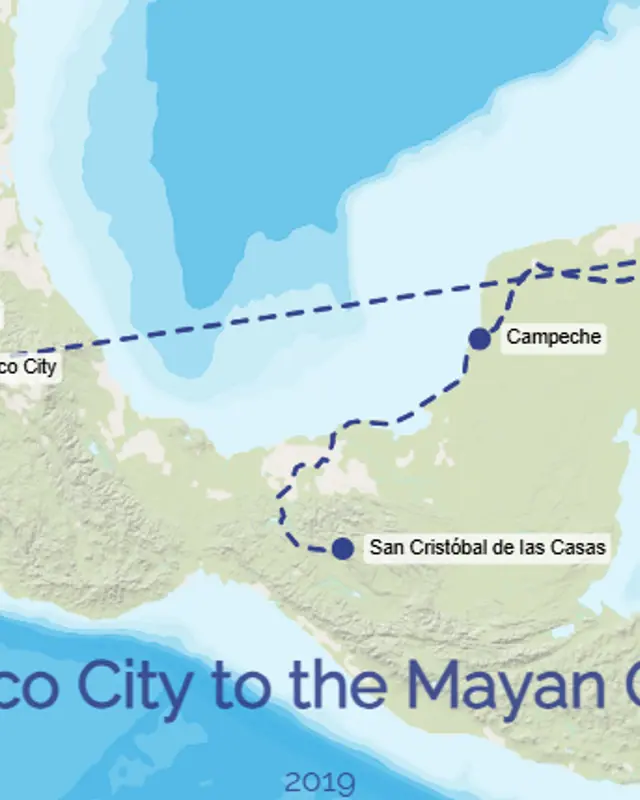
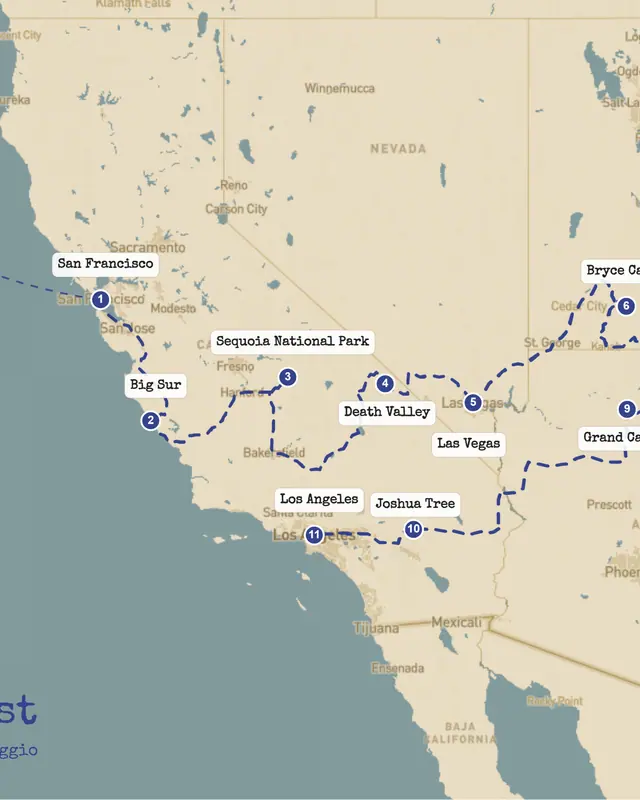
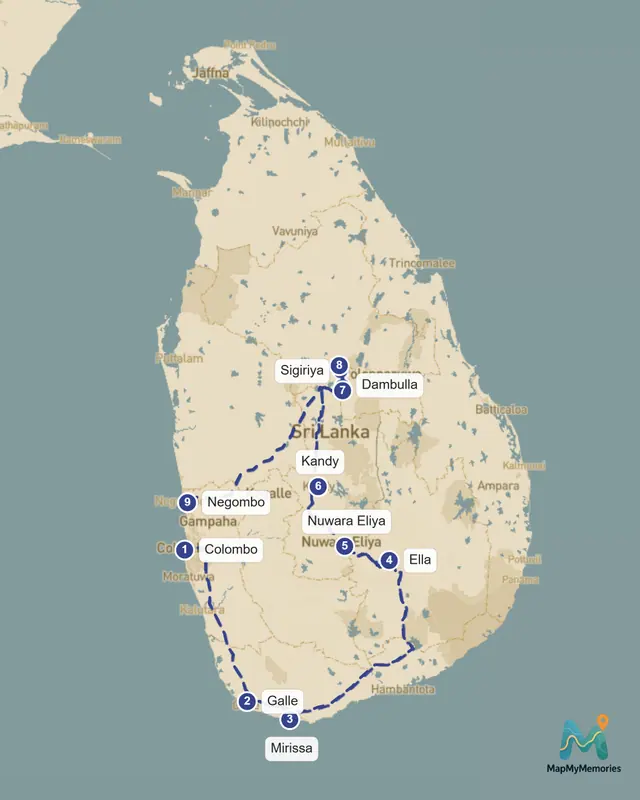
Map My Memories
100% Free · 300 & 600 DPI Print Exports · No Account Needed

Create Printable Travel Route Maps from GPX or Custom Stops

Upload GPX, KML, or KMZ files, draw road trips by hand, customize the map style, and export high-resolution JPG or PDF maps for photobooks, posters, and sharing.

Start Creating
Or launch the editor with a pre-loaded sample route:
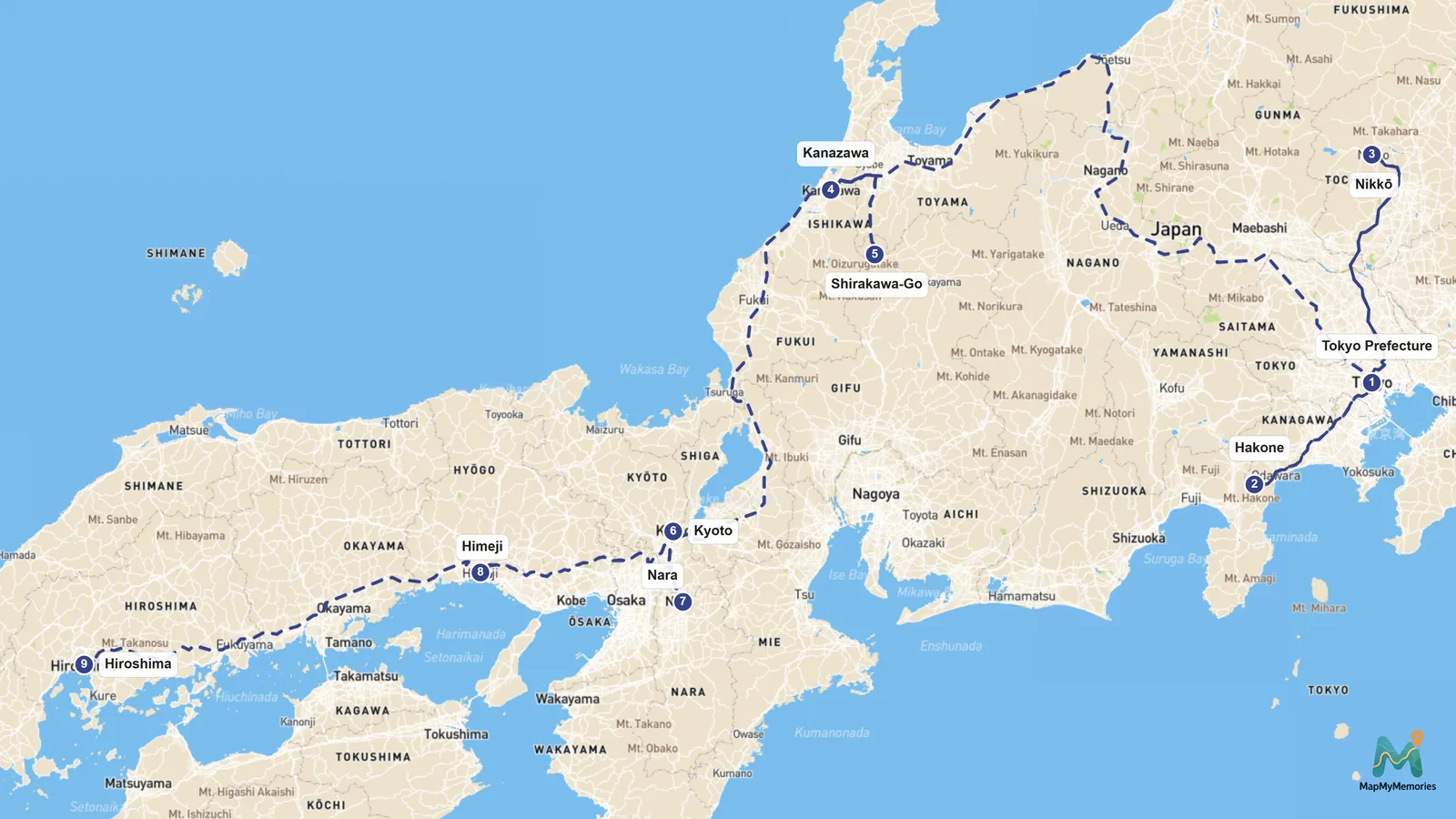
Customized Map My Memories route map of a multi-stop journey across Japan
AI + Multi-Stop9 Stops · 600 DPI Print Ready
100% Free · Up to 600 DPIExport crisp JPG, PNG, SVG vector, and MP4 video maps at zero cost.
3 Ways to BuildAdd stops manually, draft with AI, or import recorded GPX & KMZ tracks.
Multi-Page PDF BrochuresGenerate A4 itinerary brochures with cover, daily stops, leg maps, and photos.
No Account RequiredStart immediately in your browser and save reusable JSON project files.
Platform Capabilities

Everything You Need to Map Your Journeys

From AI-powered route planning to print-ready exports, our platform turns your travel memories into stunning visual stories.

AI Route Assistant

Describe your trip in plain language — like 'a 10-day road trip from Milan to Naples via Florence and Rome' — and our AI instantly generates the full route, stops, and itinerary for you.

Multi-Stop Routes

Add unlimited waypoints, mix driving roads and flight paths, drag to reorder stops, and see each leg of your journey come to life on the map.

Travel Brochures

Turn your route into a professional multi-page brochure with cover, itinerary, photos, and operational details — perfect for agencies and tour operators.

Map Styles & Themes

Pick from 6 map styles — terrain, satellite, monochrome, sepia and more — then fine-tune with 9 designer color palettes and custom fonts.

Print & High-Res Export

Download your maps up to 600 DPI in JPG, PNG, SVG vector, or PDF brochure format for crystal-clear posters, framed prints, or travel journals — 100% free.

Import & Save Your Trips

Save your projects as JSON files to pick up later, or import .kmz routes from Google Earth. Your work is never lost.

3-Step Workflow

How It Works

Creating your custom travel map is easy with our intuitive platform. Just follow these simple steps.

1

Plot Your Route

Use our intuitive map interface to plot your journey. Add stops, routes, and points of interest.

2

Customize

Choose from various map styles, colors, and add personal touches like photos and captions.

3

Download & Share

Export your map in high quality for printing or share directly on social media.

Specialized Workflows

Map tools for every route workflow

Start from the workflow that matches your project: convert a GPX track, build a multi-stop route, or prepare a 600 DPI print-ready poster or agency brochure.

Guides & Tutorials

From Our Blog

Tips, tutorials, and inspiration for creating beautiful travel memory maps

FAQ

Frequently Asked Questions

Got questions? We've got answers. If you don't see what you're looking for, feel free to contact us.

MapMyMemories is a web application that allows you to create customized travel route maps. You can easily plot your journey on a beautiful map, customize its appearance, and download it in various formats for sharing or printing.
Yes! Creating routes, using the AI assistant, importing GPX/KMZ files, and exporting high-resolution maps up to 600 DPI or multi-page PDF brochures are completely free with no account required.

Ready to Map Your Travel Memories?

Plot your stops, style the map, and download it in print quality — free, no account needed.

Start Mapping for Free